Getting started
There are three ways to find a trial. Pick whichever feels right — they all draw from the same database of ~127,000 cancer clinical trials and respect the same defaults (currently-recruiting, treatment-intent, registered within the last seven years).
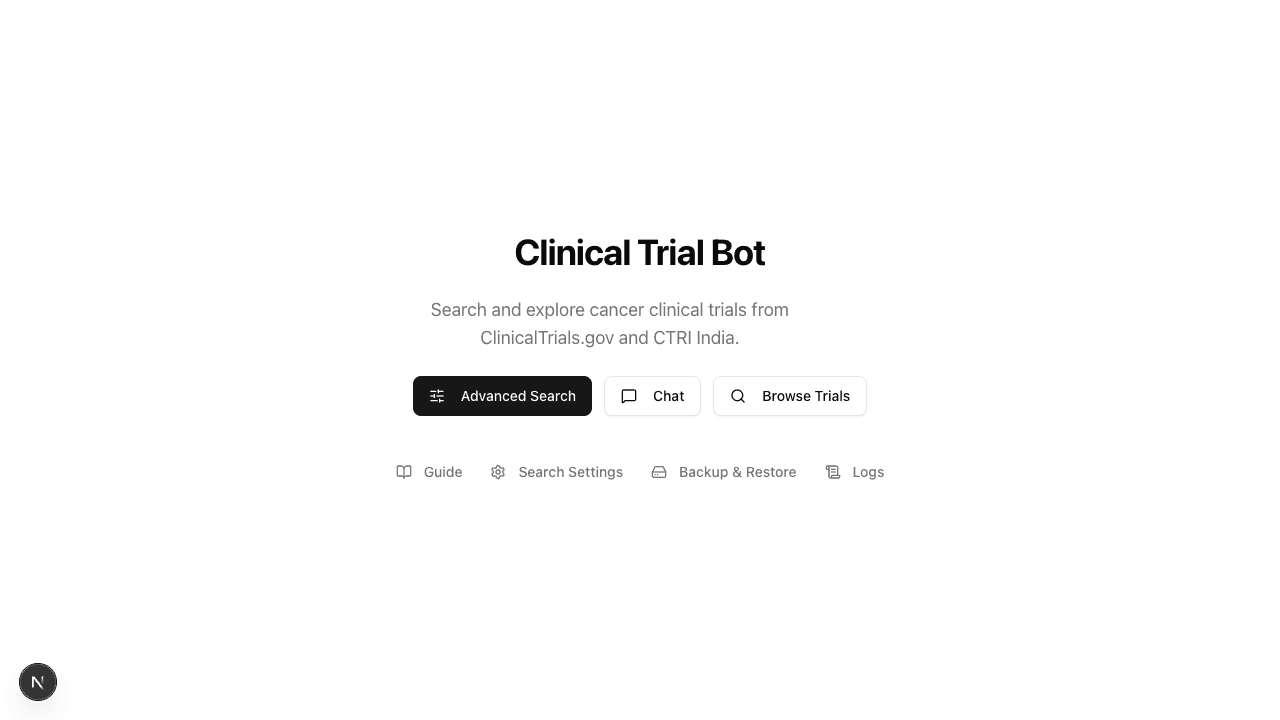
Advanced Search — /advanced-search
A filter sidebar with every meaningful dimension: cancer type, biomarkers, drugs, eligibility criteria, location, recruitment status. Best when you already know the vocabulary or want precise control. Results are bucketed by your preferred countries first, then the rest.
Chat — /chat
A conversational interface that resolves typos, brand names, and umbrella terms for you. Three layout variants: Inline (cards in conversation), Split (chat + side panel), Guided (intake → hand-off to Advanced Search). Pick the one that feels most natural — they all share the same agent and produce the same trial set.
Browse Trials — /trials
Plain paginated table view. Good for casual browsing or copying registry IDs.
A typical first session
1Pick your countries
On first visit a popover asks for 1–3 priority countries. These drive the bucket ordering — trials in those countries show first, with everything else below. Skip for now to defer, or click the "Showing first" pill in any page header to edit later.
2Search or chat
For a known query — "EGFR-positive lung cancer trials in Mumbai" — Chat is the fastest path. For exploratory browsing — "what biomarkers are common in pancreatic trials" — Advanced Search's facet sidebar wins.
3Refine
Both surfaces support refinement. In Chat, just say "only first line" after a result. In Advanced Search, click another facet in the sidebar. The result list updates and re-buckets.