Advanced Search
The canonical search surface at /advanced-search. A faceted sidebar on the left, results on the right. Every filter you apply updates the URL — bookmark or share to send your exact view to someone.
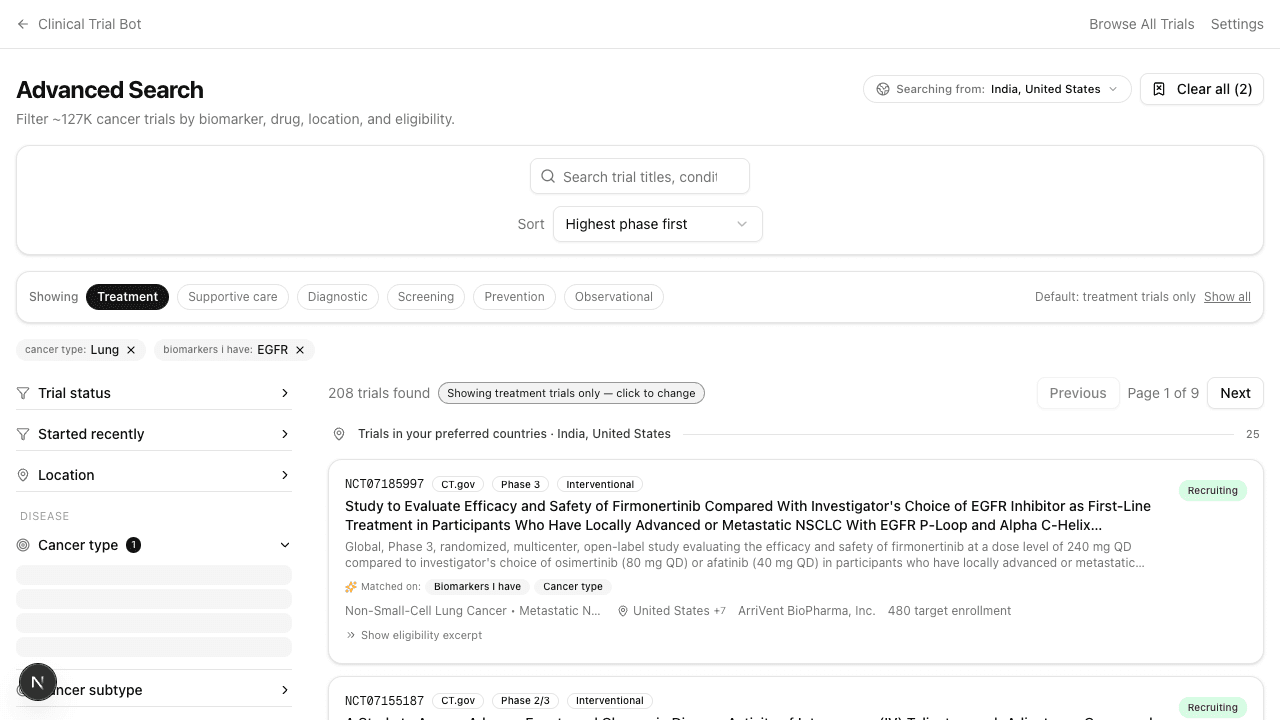
The filter sidebar
Filters are grouped by topic:
- Disease — Cancer type, cancer subtype, disease stage
- Biomarkers — Required biomarker, expression status
- Treatment — Drug name, drug class, treatment category, line of therapy, combination type
- Eligibility — Special population, inclusion criteria, exclusion criteria
- Trial — Trial design, primary endpoint
Multiple values within a group are OR-ed: picking both NSCLC and SCLC widens to either. Different groups are AND-ed: NSCLC + EGFR + Mumbai means all three must be true. The result count updates live.
Five common inclusion-criteria tags (INC_DEMOGRAPHICS, INC_DIAGNOSIS_CONFIRMED, etc.) are hidden from the sidebar — they apply to >40% of trials and add no signal.
Free-text bar + sort
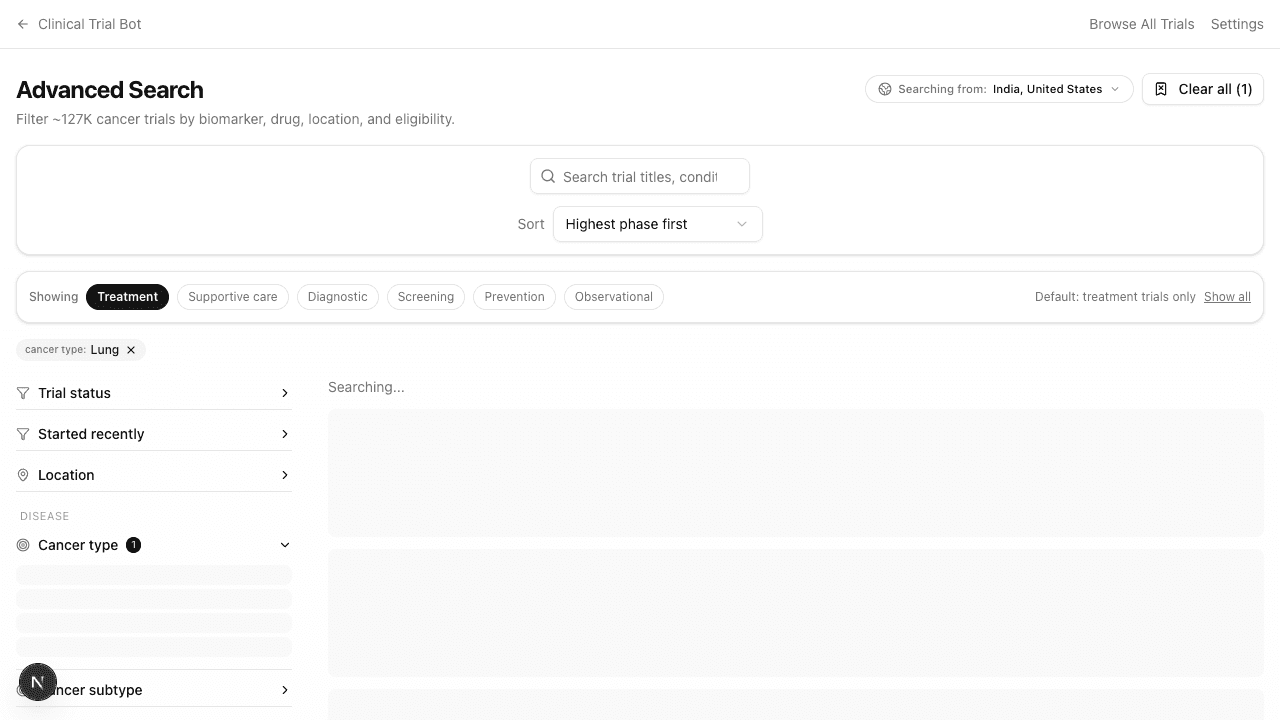
The bar at the top of results runs full-text search across trial titles, summaries, conditions, and inclusion criteria. Use it for things filters don't cover well: a sponsor study acronym ("KEYNOTE-XXX"), a specific mutation phrasing ("EGFR exon 19 deletion"), or a pasted official title.
Six sort modes are available, default Highest phase first.
Intent pills
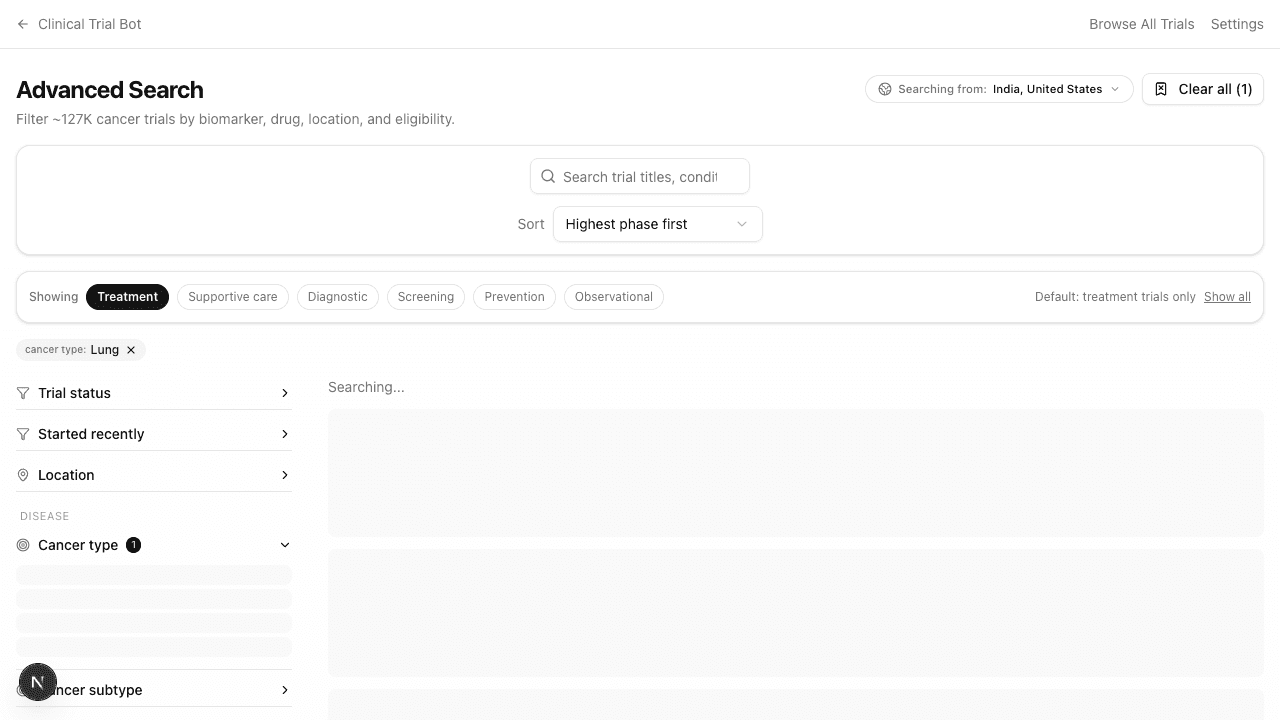
By default, only Treatment trials appear. Click another pill to widen — Supportive care, Screening, Prevention, Diagnostic, Observational. The "Show all" link removes the intent filter entirely.
Location filter
Pick one or more countries. When exactly one country is selected, the state and city pickers light up.
By default, the location join restricts to currently-enrollable sites (Recruiting / Not yet recruiting / Enrolling by invitation). A trial listed in India whose only India site is "Completed" won't appear under an India filter unless you turn off "Only sites currently recruiting".
Country buckets in results
The result list always splits by your preferred countries first, then the rest of the world. A subtle inline divider labels each bucket.
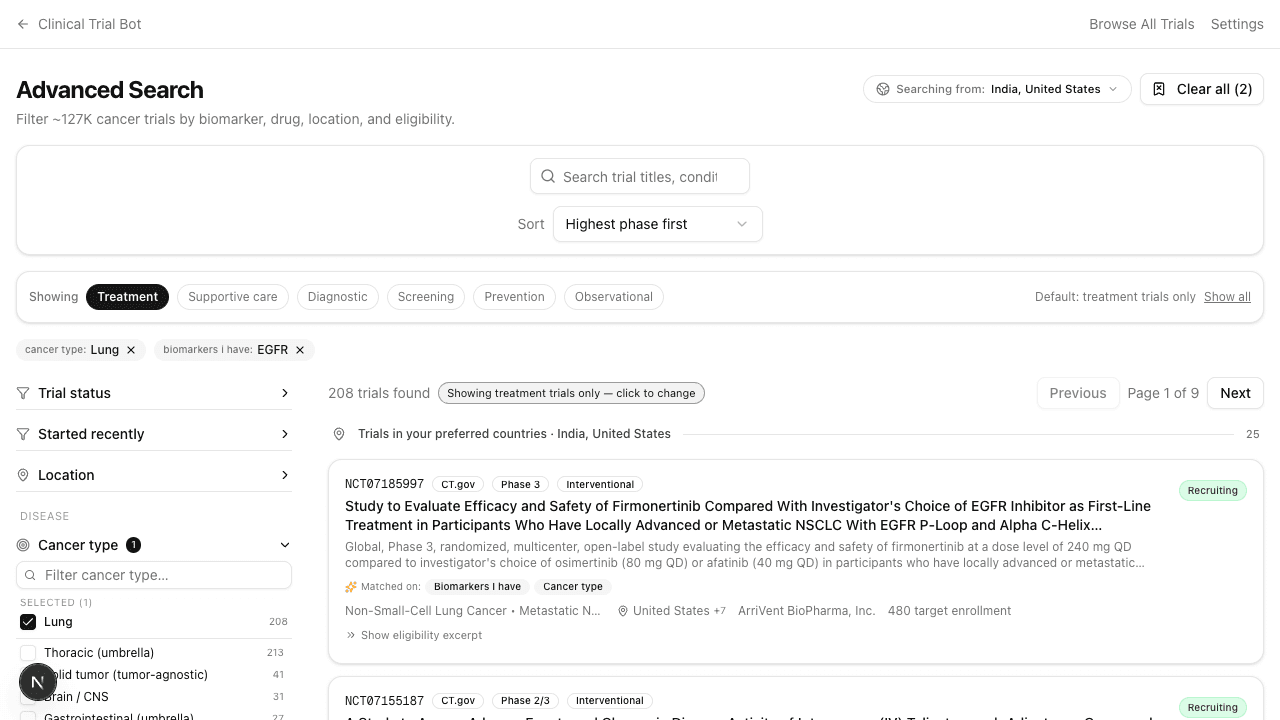
Scroll to the bottom of the strict results and a third bucket — Broader / loose matches — auto-loads with relaxed filters. See the Loose matches page.
"Started recently" toggle
Default on — hides trials whose start date is older than seven years. Registries (especially CTRI) often leave trials in Recruiting status long after they actually closed; this filter removes them. Toggle off if you specifically want older trials.